
Onboarding
Switch to Clubero with ease.
We help you migrate your club, teams and data in just a few days.
- No credit card
- Human support
- Data hosted in Europe
Your journey
From first click to first match.
What you'll do, in what order, and where.
- 1
Create your club
On clubero.app, from your computer. Club name, your account, and you pick a plan — one or more teams, or the whole club.
On the web - 2
Set it up
Create your teams, import your squad from a spreadsheet, add your logo and colours. This is big-screen work.
On the web - 3
Invite everyone
Coaches, players and parents get an email invitation, or scan a QR code you display at the club.
On the web - 4
Run it day to day
Get the app: call-ups, attendance, messages and results follow you everywhere, with notifications.
In the app
Once your club is set up, the app takes over day to day.
Joining your club, in three steps
For a player, parent or coach invited by their club.
- 1
Your club invites you
You get an email, or your coach shows you a QR code to scan. The club opens the door.
By email or QR - 2
You create your account
The link opens in your browser. Name, email, password: one minute. Your place in the team is already reserved.
In the browser - 3
You open the app
Download Clubero, sign in, and you're there. Call-ups and messages arrive as notifications.
In the app
What we can import for you.
Bring whatever you have — files, spreadsheets, lists. We'll handle the rest.
Teams
All your teams, age groups and seasons.
Players
Rosters, numbers, positions, photos.
Parents
Parent contacts and links to their children.
Coaches & staff
Coaches, managers and roles.
Schedules
Match and training calendars.
Existing tournaments
Registered teams, groups and results.
Excel / CSV files
Simple import from your spreadsheets.
Photos & logos
Club logo, team and player photos.
How it works.
A simple, guided 4-step process.
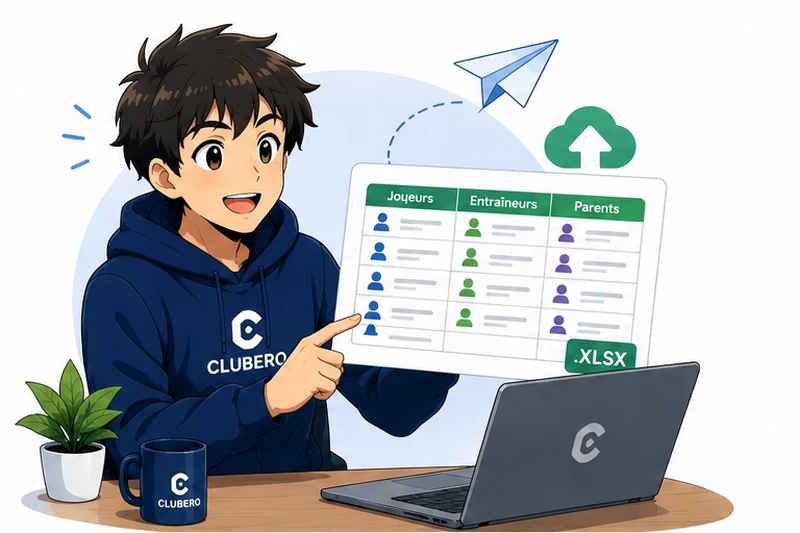 1
1Send us your data
Spreadsheets, lists or exports — in whatever format you have.
 2
2We prepare the import
Cleanup, structuring and validation with you.
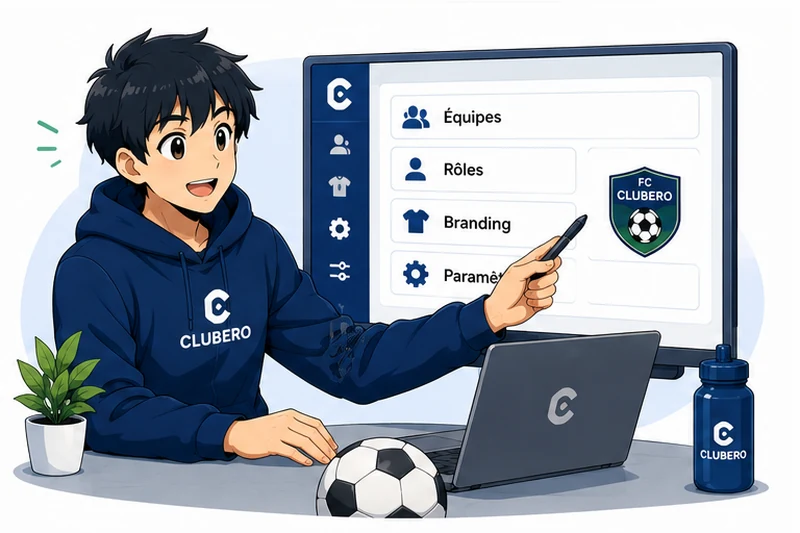 3
3We configure your club
Teams, roles, branding and settings tailored to you.
 4
4Your club is ready
We train your coaches and you're up and running.
You're not alone.
We help you throughout the entire onboarding process.
Onboarding assistance
A dedicated point of contact while we set up your club.
Migration help
We collect your existing data and import it cleanly.
Setup support
Settings, roles, branding, email templates — we handle it with you.
Responsive support
A team reachable quickly by email, in English or French.
Ready to make the switch?
Let's talk about your club. We'll show you Clubero and plan the migration together.
Frequently asked questions about onboarding
Do we have to recreate everything manually?+
No. We can import a large part of your data — teams, players, parents, schedules — from your existing spreadsheets or exports.
How long does migration take?+
Most clubs are operational within a few days. The exact duration depends on the volume of data and your availability to validate it with us.
Do we need any special tools?+
No. A simple browser is enough. Clubero works on desktop, tablet and mobile (PWA on iOS / Android).
What if our data lives in several files?+
No problem. We consolidate and structure everything for you before the import.
Can we start mid-season?+
Yes. We adapt the import to your calendar and can preserve your match and event history if you wish.
What happens after onboarding?+
Email support stays available. We remain reachable for adjustments, additional training and new teams.